
Make.com
Learn how to create scenarios using Unipile with Make.com.
Make triggers with Webhooks
Let say we want to initiate a scenario when a new email is received.
- Set your first node as Webhooks > Custom Webhook
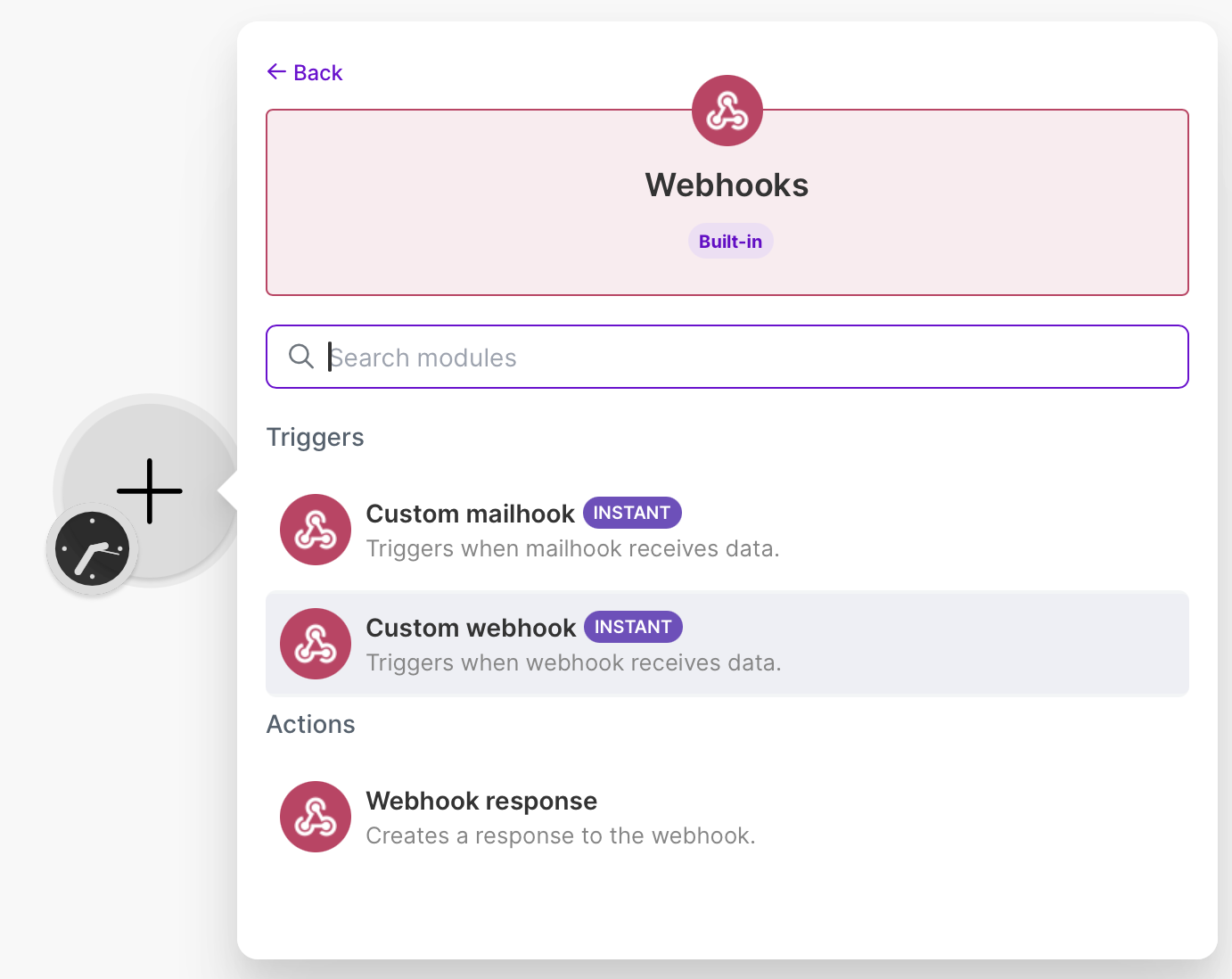
- Click on Create a webhook or Add
- Give a Webhook name to describe what event will be received. For example Unipile - email.new. Then hit Save.
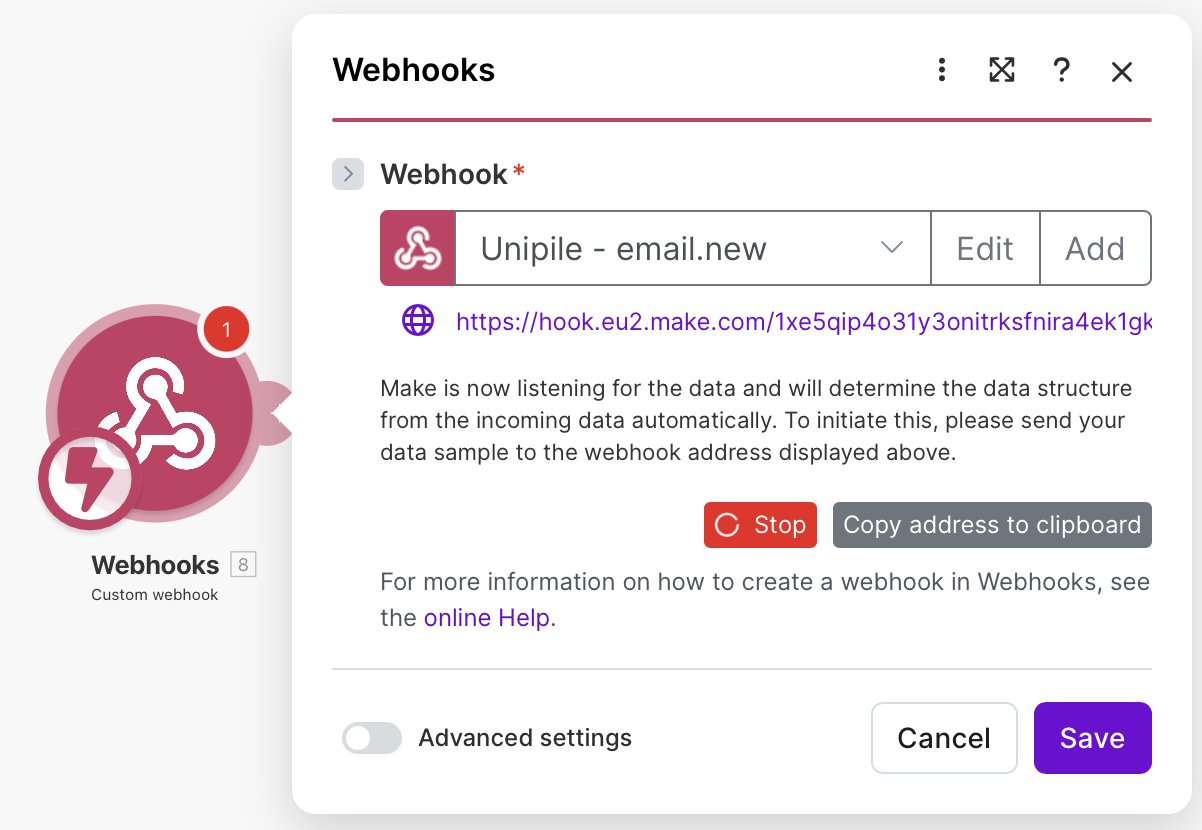
- Now, Make.com is waiting for a first event to confirm everything is working. Let's send the event:
- Click on Copy address to clipboard
- In Unipile's Dashboard, Add Endpoint from the Webhooks tab.
- Paste the copied value to Endpoint URL.
- Select the event(s) that should trigger the Webhook. For this example, select
email.new. Then save by hitting Add Endpoint. - Refer to Test & Debug webhooks to send a Test event.
- You should now see Successfuly determined. in the node configuration.
- You can now use data from the payload of the webhook in the following nodes of your scenario.
Make actions with Methods
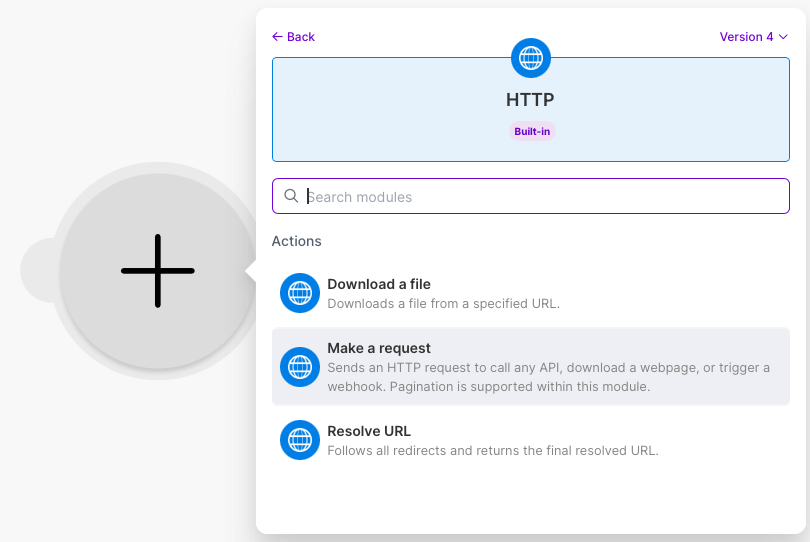
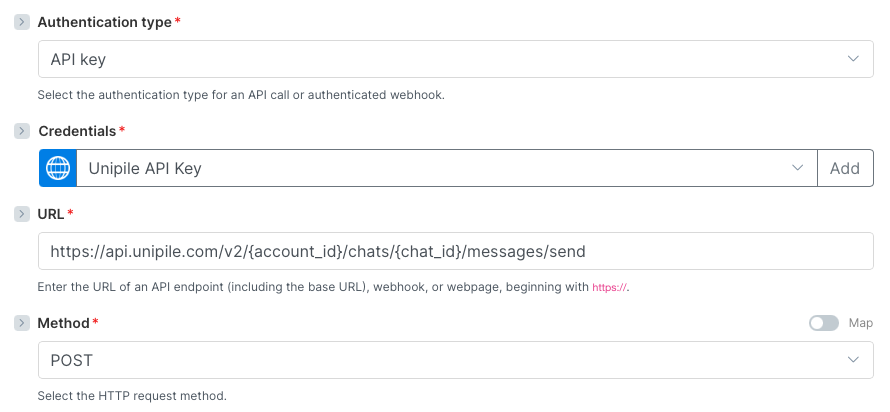
- Create a node HTTP > Make a request
-
Select API Key as Authentication type.
-
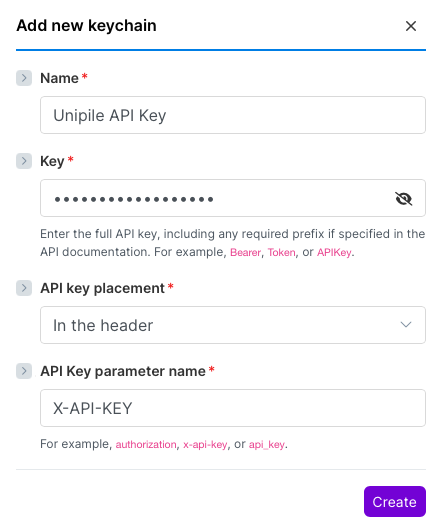
If you don't have one for Unipile, create a new keychain in Credentials:
- Create an API Key in Unipile's dashboard
- Copy paste it in Key
- Give it a name
- Set API key placement as In the header
- Set API Key parameter name as X-API-KEY
- Find the method you want to use in the API Reference
- Set the proper URL and HTTP request method. For this example, we'll use Send a Message : set https://api.unipile.com/v2/account_id/chats/chat_id/messages/send as URL and POST as Method. Of course, set
account_idandchat_idto your needs. Note that they can be dynamically retrieved from other nodes, refer to the Make.com documentation to learn about that.
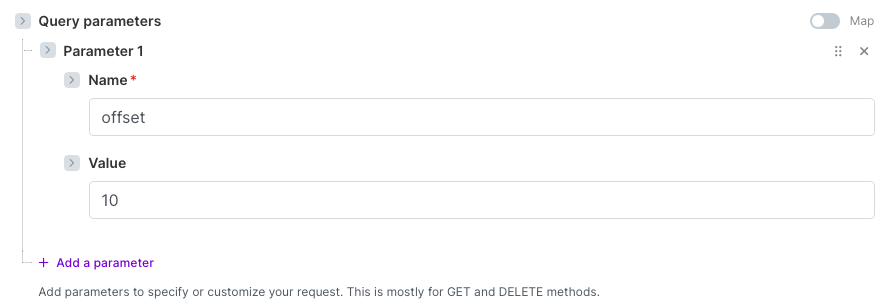
- If you need to pass Query Params, place them in Query parameters. For exemple the offset of List all Chats :
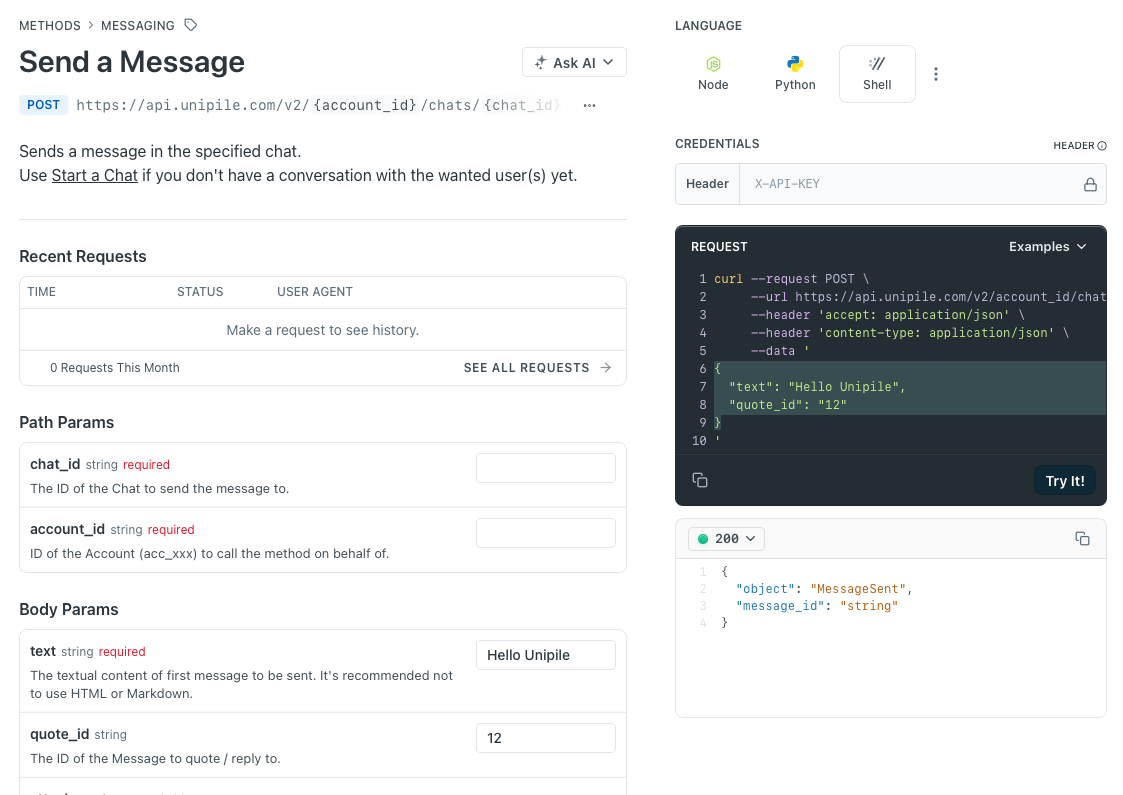
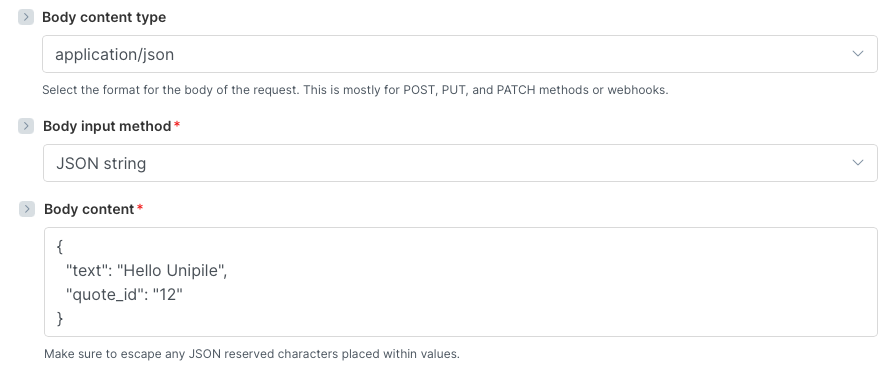
- If you need to pass Body Params, set Body content type as application/json and Body input method as JSON string. Then, set Body content as a JSON. To make it easier, from the API Reference method page :
- Set the language to "Shell"
- Fill the values in the Body Params list
- Copy the json from the code snippet on the right side
- Paste in in Body Content
- Refer to the Make.com documentation to handle the result.
Control cache on requests
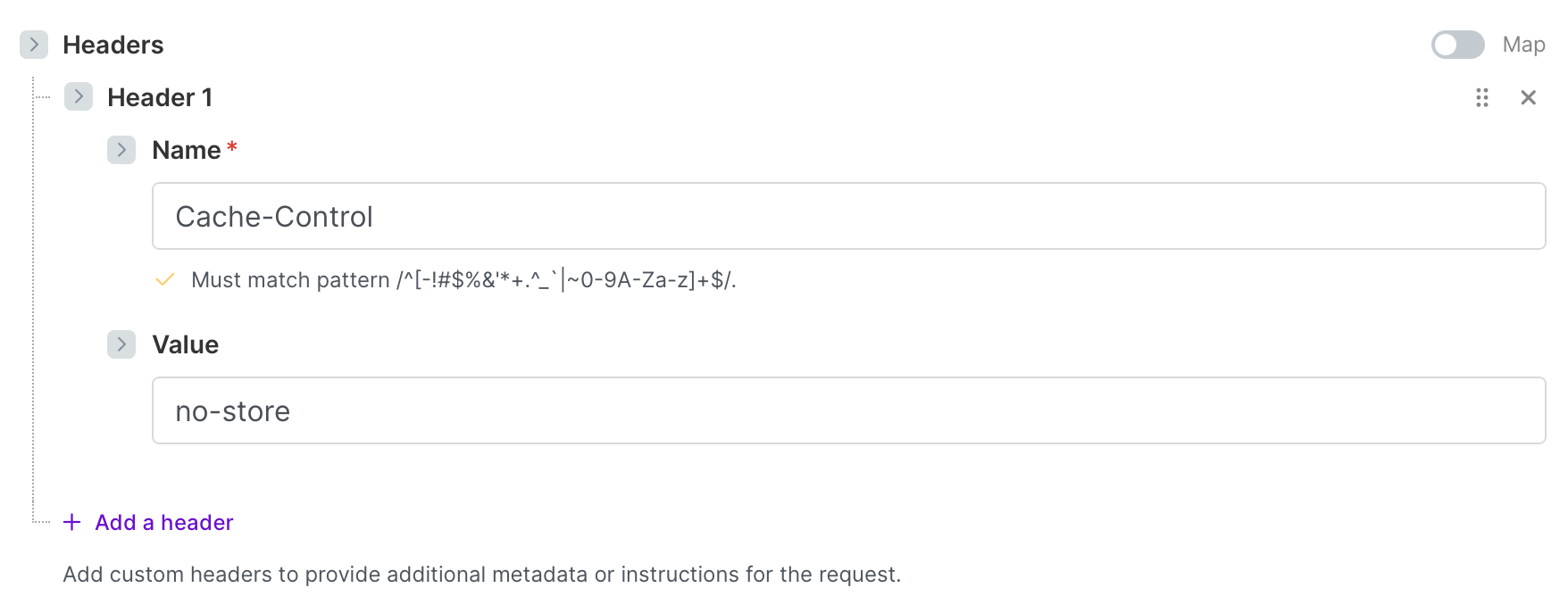
Unipile support the Cache-Control standard request header and few of its directives to control the Caching when you make a request on Methods API. You can add this header on your node configuration:
Updated 8 months ago
Did this page help you?